
AI Portrait Generator for Professional Portraits, Headshots & Avatars
Evoke is a mobile AI portrait generator and portrait generator for turning a selfie or clear photo into an AI portrait. Upload a photo, choose realistic, anime, cartoon, fashion, or professional styles, then generate and download portraits for social media profiles, resumes, creator bios, and personal albums.
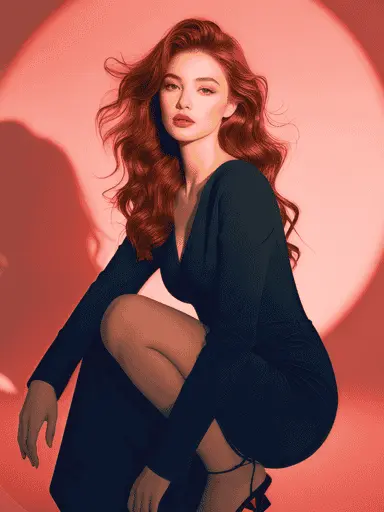
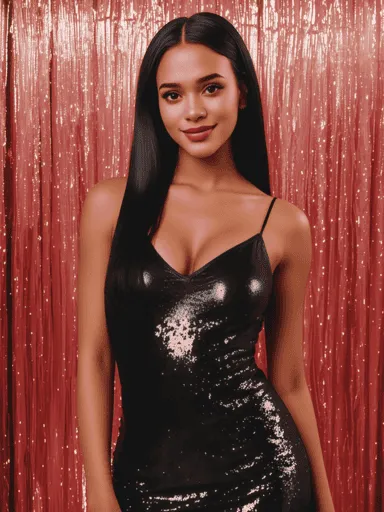
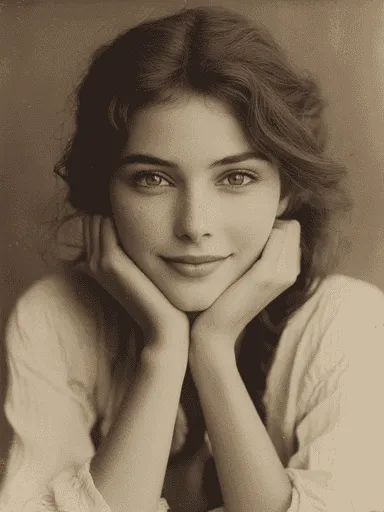
Style Variety
1000+ unique portrait styles from glamorous to artistic
AI-Powered Quality
Professional-grade portraits with advanced AI technology
One-Click Generation
Create stunning portraits in seconds, no skills needed
Which AI portrait generator result do you need?
Start from the use case first: professional portraits, realistic profile photos, avatar looks, or social media styles.
I need a professional portrait
Create clean profile pictures and headshot-style portraits for LinkedIn, resumes, and creator bios.
Realistic portraits for recognizable faces
These input-output examples show how a clear photo can become a professional portrait, a realistic AI portrait, or a stylized avatar.
I want avatar or anime styles
Explore realistic, anime, cartoon, cultural, luxury, and fashion portrait styles from one selfie.
AI portrait, headshot, avatar, and fashion styles
Compare realistic portraits, professional profile pictures, selfie-to-avatar looks, and bold fashion portrait styles in one mobile AI portrait generator.
Professional profile pictures without a studio shoot
Create clean profile pictures and polished headshot-style portraits for work, creator pages, resumes, and social profiles while keeping expectations grounded in mobile AI results.
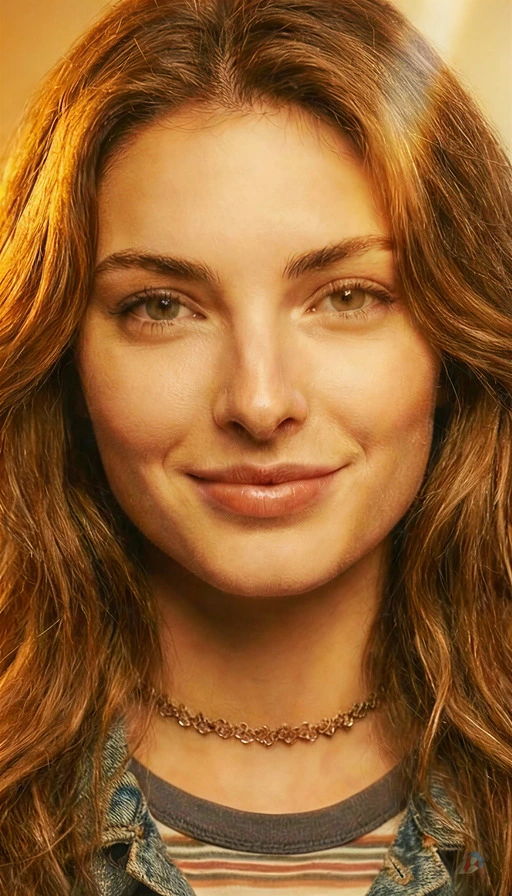
Realistic, stylized, bikini, lingerie, and angel wings portraits
Switch from realistic portraits to avatar styles, anime looks, bikini scenes, luxury lingerie-inspired portraits, runway images, and angel wings concepts from one selfie.
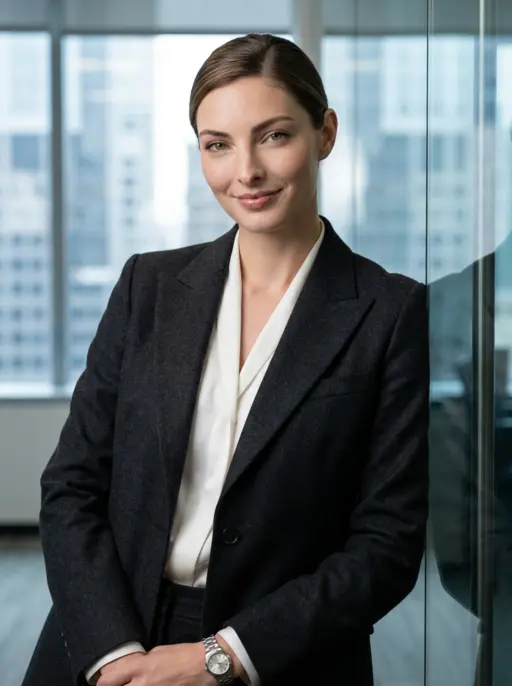
Business Elite

Doctor
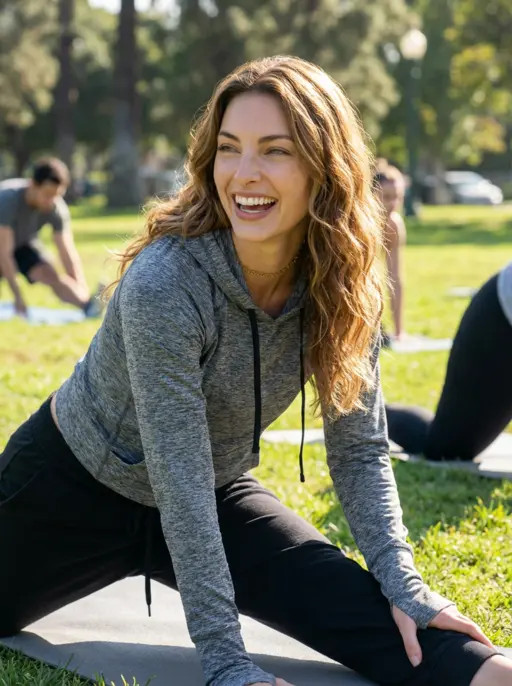
Casual Sport
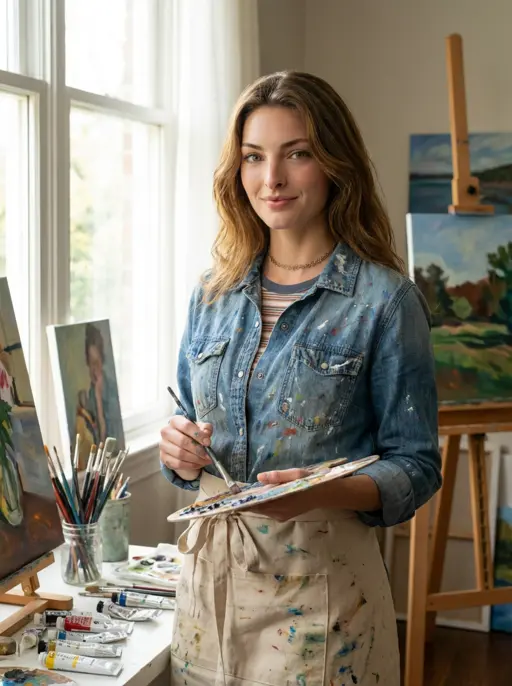
Artist
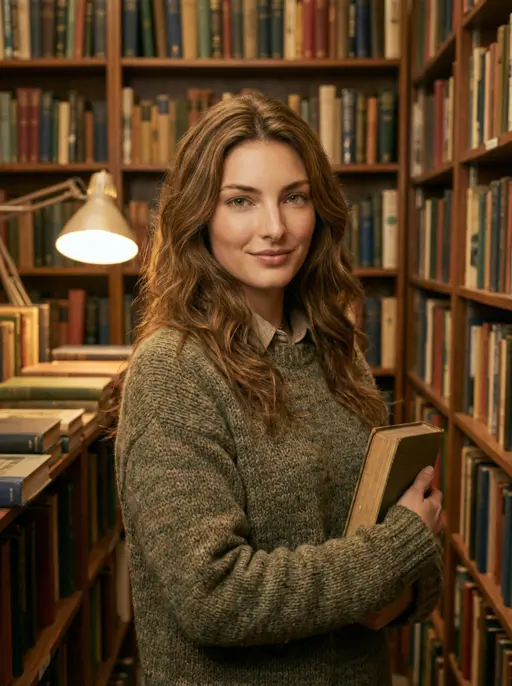
Vintage Art
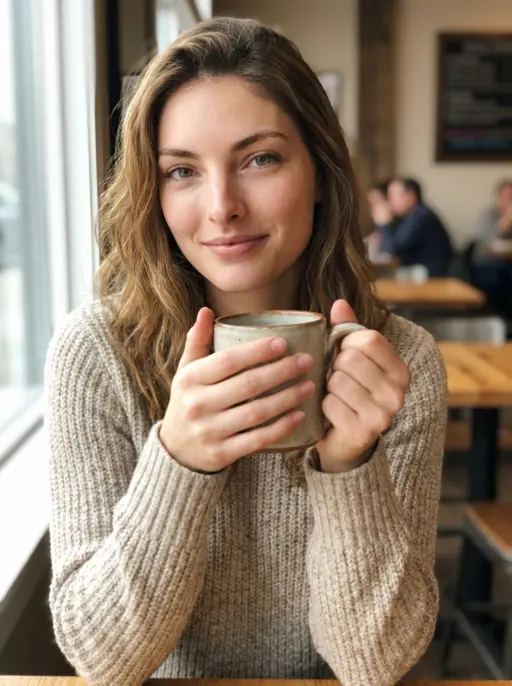
Cafe
What input photo and output portrait should you expect?
These input-output examples show how a clear photo can become a professional portrait, a realistic AI portrait, or a stylized avatar.
InputOutputProfessional profile picture
Input: a front-facing selfie. Output: a cleaner AI portrait for social media profiles, resumes, and creator pages.
Input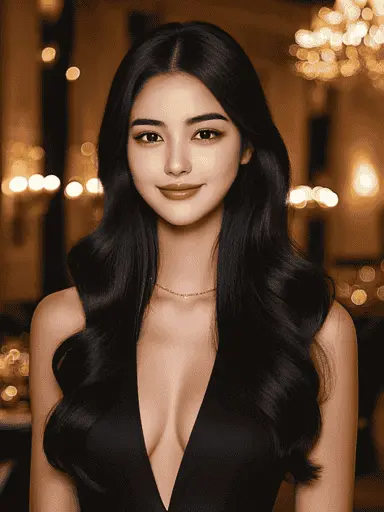 Output
Realistic portrait style
Input: a clear portrait photo. Output: a realistic portrait with refined lighting, background, and facial features.
Input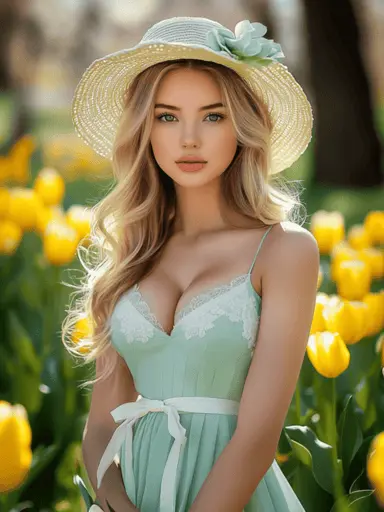 Output
Avatar or anime style
Input: one selfie. Output: an avatar, anime, cartoon, or fashion portrait style ready to download.
How do you upload a photo and generate a portrait?
Use this short workflow to upload a selfie, let the AI image generator create portrait styles, and generate and download the output.
I want to upload and download fast
Open Evoke on Google Play, upload a clear photo, generate a portrait, and download the result.
Generate and Download Portraits
Use this short workflow to upload a selfie, let the AI image generator create portrait styles, and generate and download the output.
What Evoke can generate from one portrait photo
Use Evoke as a mobile AI portrait generator for professional profile pictures, realistic portraits, stylized avatars, and fashion-forward portrait styles.
AI portrait generator app
Create portraits on mobile from a selfie or clear photo, then save results for social profiles, creator pages, and personal albums.
Profile picture and headshot-style results
Make polished profile pictures and approachable headshot-style portraits without claiming studio-grade corporate photography.
Realistic portraits and facial consistency
Refine lighting, background, and detail while keeping the portrait recognizable enough for profile use.
AI avatars from selfies
Transform selfies into avatar looks for messaging, social platforms, gaming profiles, and creative identity updates.
Bikini, lingerie, and angel wings portrait styles
Explore bold fashion presets, bikini scenes, lingerie-inspired portrait styling, and angel wings avatar looks from the same portrait workflow.
Elegant
Fresh
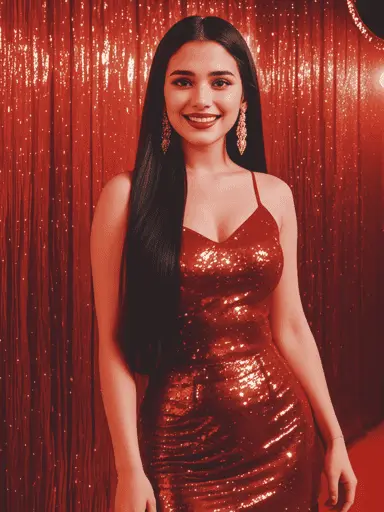
Bold
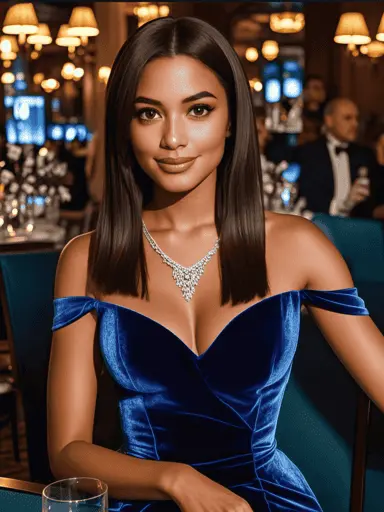
Luxurious
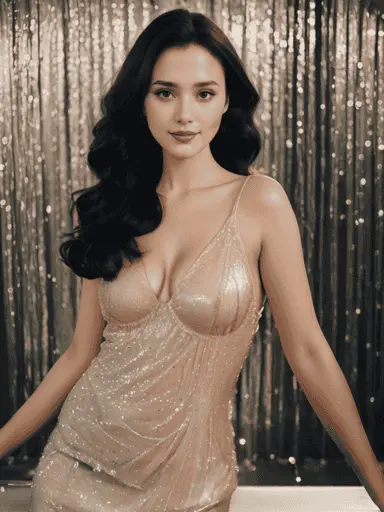
Sparkling
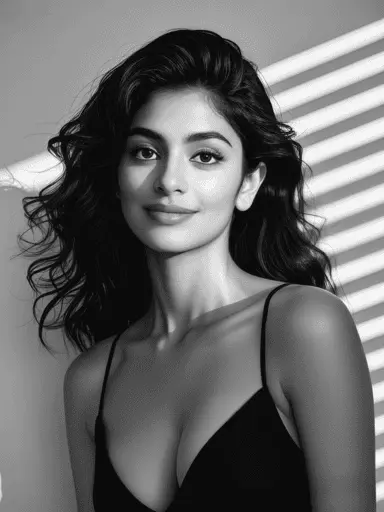
Classic
Next steps for AI portrait templates and tutorials
Use these internal guides to compare styles, learn upload tips, and build a repeatable AI portrait generator workflow.
Is Evoke better for AI portraits than Remini, Lensa, or Canva?
The best app depends on the job. Evoke focuses on mobile AI portrait generation, while Remini, Lensa, and Canva are stronger in different parts of the workflow.
Best answer for
Upload a photo and generate professional, realistic, avatar, anime, or fashion portraits in one mobile app.
Sharpening, restoring, or clarifying existing photos.
Avatar packs and polished selfie variations.
Placing a portrait inside a resume, post, banner, or brand design.
Upload to download flow
Built around upload, style choice, generate, and download on mobile.
Enhance-first workflow; creative portrait generation may need another tool.
Style-pack workflow; output choices depend on the selected pack.
Design workflow after the portrait image already exists.
Portrait styles
Professional portraits, realistic portraits, anime, cartoon, cultural, luxury, bikini, lingerie-inspired, and angel wings styles.
Mostly clarity, repair, and face enhancement outcomes.
Avatar-like and stylized selfie looks.
Templates, layouts, and brand visuals rather than face generation.
When to choose it
Choose Evoke when the question is how to create an AI portrait from a selfie and download it fast.
Choose Remini when the question is how to fix a blurry or old portrait photo.
Choose Lensa when the question is avatar packs or beauty-style selfies.
Choose Canva when the question is how to design with an existing portrait.
AI Portrait Generator FAQs
Answers about upload steps, portrait styles, downloads, facial features, and Evoke vs Remini, Lensa, or Canva.
Open Evoke, choose the AI portrait generator workflow, and upload a clear selfie or portrait photo. A front-facing image with good lighting usually gives the portrait generator more accurate facial features.
Yes. Evoke lets you generate and download AI portraits for profile pictures, creator bios, resumes, messaging apps, and social media profiles.
Evoke supports professional portraits, realistic portraits, anime, cartoon, cultural, luxury, fashion, bikini, lingerie-inspired, and angel wings portrait styles.
Evoke aims to preserve recognizable facial features while refining lighting, background, and style. Clear input photos usually produce the most consistent results.
Evoke focuses on mobile AI portrait generation and enhancement. Remini is often used for clarity and restoration, Lensa for avatar packs, and Canva for placing portraits into larger designs.
Ready to generate and download AI portraits?
Download Evoke, upload one photo, and create professional portraits, realistic styles, avatars, and social-ready profile pictures.

