
 AI Video Generation
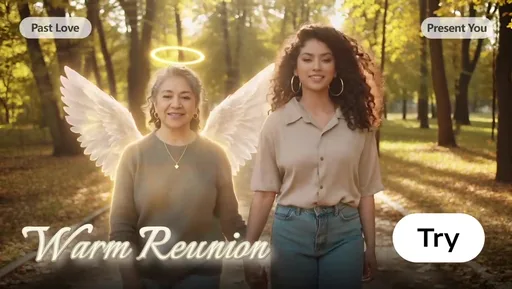
Mother's Day 2026: Animate Mom's Old Photo for a Heartfelt 'Late' Gift
Missed Mother's Day on May 10? Don't worry. Use Evoke to animate Mom's old photo into a 30-40s warm Live Photo, the perfect late-gift surprise.
Learn timing, pacing, and export settings to turn photos into cinematic motion.
Knowledge Stream
AI Video GenerationMissed Mother's Day on May 10? Don't worry. Use Evoke to animate Mom's old photo into a 30-40s warm Live Photo, the perfect late-gift surprise.
 AI Video Generation
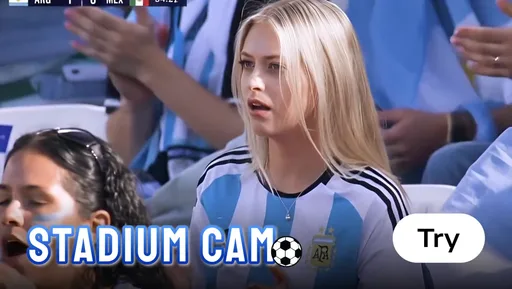
Copy the viral Stadium Cam broadcast trend in one tap. Evoke's new Stadium Cam and Stands Cam Templates render 1080p AI Video in 30-40s on mobile.
 AI Video Generation
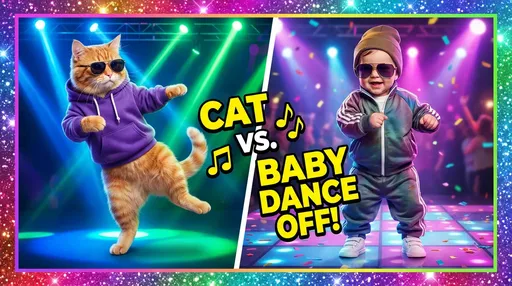
Learn how to make the viral dancing cat and baby AI videos. Use Evoke's AI video generator to animate photos in 30 seconds and create share-ready social hits.
 AI Video Generation
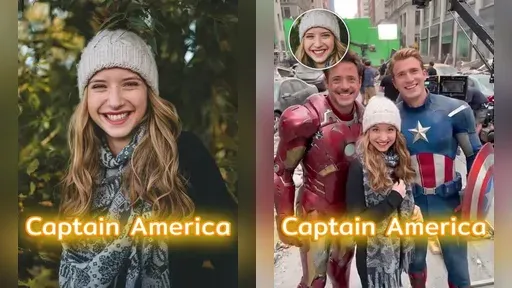
Turn a simple room photo into a movie-set style clip on Android. Evoke’s Movie Set Live Photo templates add cinematic lighting and camera motion, then export an MP4 you can post instantly.
 AI Video Generation
Create an “Incoming Call from Santa” style clip from a single photo. On Android, Evoke’s Santa Call Live Photo template adds festive motion and a call-screen vibe, exporting an MP4 to share.
 AI Video Generation
Start 2026 with a shareable video portrait. Evoke’s Hello 2026 Live Photo template adds festive light and subtle motion from one photo, exporting an MP4 you can post in minutes.
Quick answers on limits, quality, and exports.
Yes. Upload a clear photo, choose a photo-to-video template, and let Evoke create a short mobile video with AI motion effects.
Yes. Evoke supports short photo-to-video clips, including 30-second AI video outputs designed for mobile sharing.
Yes, Evoke is designed for focused mobile photo-to-video workflows: social short videos, memory videos, and template-based clips from images.
Yes. You can start from a still image or photo and generate a moving clip using Evoke's AI video templates.
No. Evoke is a focused mobile photo-to-video app. CapCut is broader for editing, while Runway, Pika, and Kling AI are stronger for advanced generative video workflows.
Videos export as share-ready MP4 files for easy downloading and posting.
Video generation is available on both iOS and Android, while photo enhancement, Live Photo, and portrait tools remain Android-first for now.

