
How to Animate Photos: Turn Static Images into Living Videos with AI (2025 Guide)
Discover the best way to animate photos on Android. Use Evoke AI to turn still images into viral video clips, live portraits, and cinematic moments in seconds.
- Key Takeaways
- Why Turn Photos into Videos?
- Evoke AI: The Best Free Photo Animator on Android
- Core Features
- How to Animate a Photo Step-by-Step
- Demo: See It in Action
- Evoke vs Sora: Which is Best for Mobile?
- Frequently Asked Questions
- How to Animate Photo?
- How to Generate Video Photo?
- How to Animate Portrait?
- How to Animate Blurry Photo?
- Is Evoke better than Sora at Animate Photo?
Bring your gallery to life. From family portraits to creative art, creating video from still images has never been easier.
Quick Answer:
To Animate Photo images into video, you don't need complex software. Use Evoke AI, the Best Free Photo Animator on Android. Simply upload a still image, select a motion template, and the AI will Generate Video Photo clips in 30-40 seconds. It serves as a powerful, mobile-first Free Sora Alternative.
Key Takeaways
- One-Tap Motion: Animate Photo Free features convert static JPGs into MP4.
- Diverse Styles: From realistic Animate Portrait (blinking, smiling) to Animate Cyberpunk Avatar effects.
- Speed: Generate Video Photo clips in under a minute.
- Quality: Powered by Nano Banana, rivalling desktop tools like Sora Animate capabilities for mobile.
Why Turn Photos into Videos?
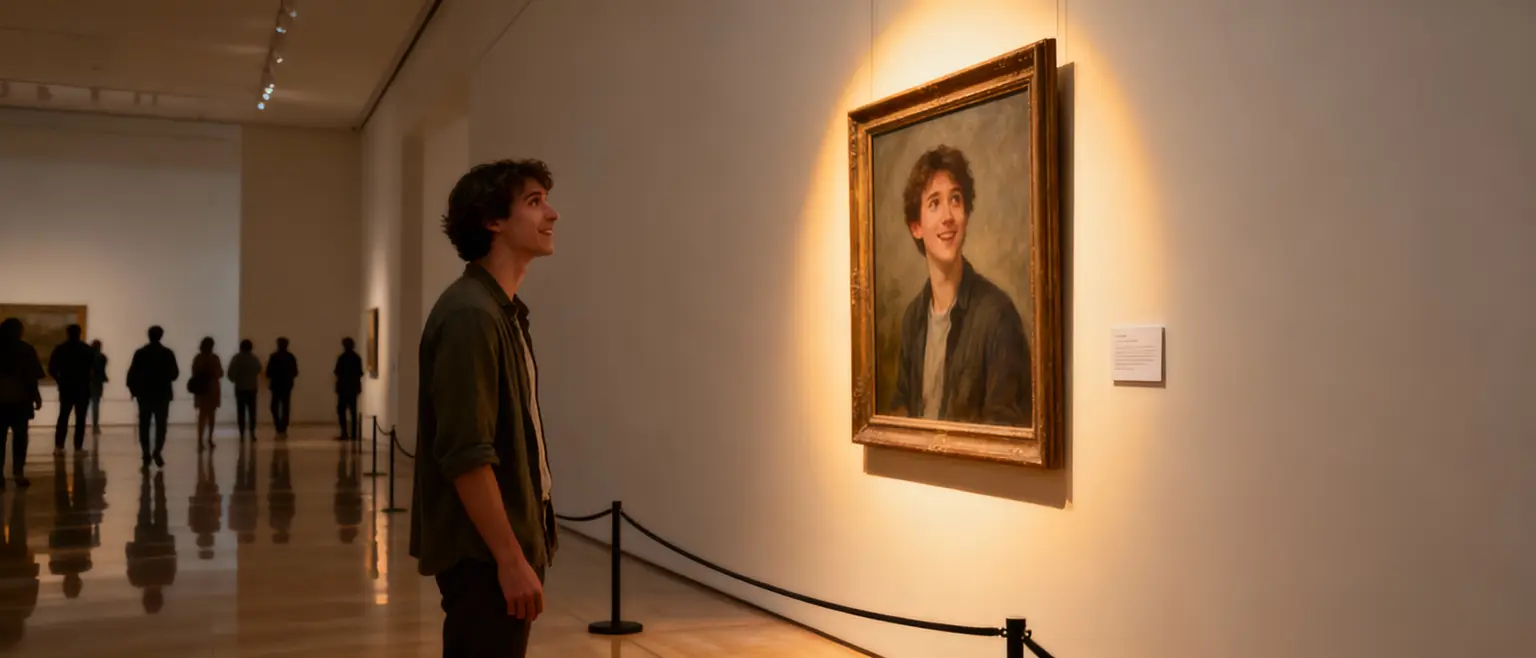
In an era dominated by TikTok, static images get ignored. "Live Portrait" technology helps you Animate Photo memories into scroll-stopping content.
- Social Engagement: Videos get 1200% more shares.
- Emotional Connection: Animate Portrait of a loved one creates a powerful moment.
- Creative expression: Turn digital art into a living canvas.
Evoke AI: The Best Free Photo Animator on Android
Evoke isn't just a photo editor; it's a motion studio. Compared to heavyweights, it's a user-friendly, Free Sora Alternative.
Core Features
- Face Animation: Make portraits blink or smile using the Animate Portrait feature.
- Cinematic Effects: Add camera moves to Generate Video Photo scenes from landscapes.
- Stylized Motion: Animate Cyberpunk Avatar or "Sketch" styles.
How to Animate a Photo Step-by-Step
- Prep Your Photo: Use Evoke to Enhance Blurry Photo first. Sharp inputs make better videos.
- Select "Animate": Tap the video icon.
- Choose a Template:
- Portraits: "Natural Smile".
- Fun: "Rose & Pistol".
- Generate: Wait 30-40 seconds to Generate Video Photo.
- Save: Download the MP4.
Demo: See It in Action
Evoke vs Sora: Which is Best for Mobile?
| Feature | Evoke AI | Sora (OpenAI) |
|---|---|---|
| Platform | Android (Mobile) | Desktop/Web |
| Cost | Free Sora Alternative | Paid |
| Focus | Animate Photo | Text-to-Video |
| Speed | 30s | Minutes |
Frequently Asked Questions
How to Animate Photo?expand_more
To Animate Photo content easily, download Evoke AI. Select your image, choose an animation style, and let the AI process it. It's the simplest way to add motion on Android.
How to Generate Video Photo?expand_more
Evoke allows you to Generate Video Photo clips instantly. Upload a static image to the "Animate" tool, and the AI will predict movement, creating a short video loop.
How to Animate Portrait?expand_more
Use Evoke's specialized Animate Portrait templates. These focus on facial landmarks to add natural blinks, smiles, or head nods to any portrait photo.
How to Animate Blurry Photo?expand_more
If your source is unclear, first use Evoke's "Enhance" tool to Enhance Blurry Photo quality. Then, apply the animation effect. This ensures the final video is sharp and detailed.
Is Evoke better than Sora at Animate Photo?expand_more
For mobile users, yes. Evoke acts as a comprehensive Free Sora Alternative, specifically optimized to Animate Photo and static images quickly, whereas Sora is a heavy text-to-video model.
Evoke Team
AI technology experts passionate about bringing cutting-edge solutions to users worldwide.

