
How to Create Viral Animal Chase Selfies with AI (2025 Trend)
Join the viral trend! Learn how to create hilarious animal chase selfies—running from lions, cheetahs, or dinosaurs—using Evoke AI's powerful filters and photo effects.
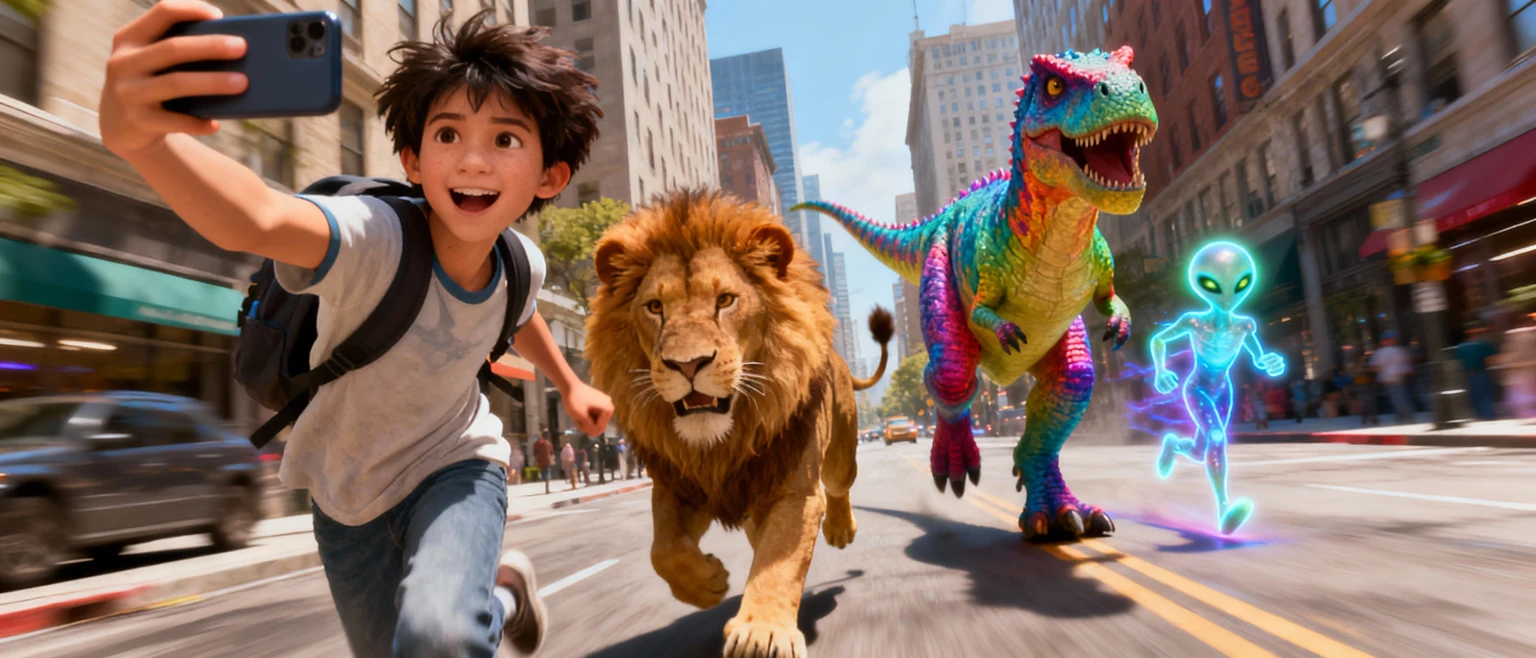
- What is the Animal Chase Selfie Trend?
- How to Make Your Own Animal Chase Photo with Evoke
- 1. Snap the Perfect "Runner" Selfie
- 2. Use Evoke's AI Photo Feature
- 3. Add the Beast (Templates & Filters)
- Take It to the Next Level: Animate It
- Tips for a Viral Post
- Frequently Asked Questions
- How do I make the animal chase trend photo?
- Is Evoke a free Funny AI Photo Editor?
- Can I make it look like a cartoon?
- How long does it take to generate?
- Does it work on Android?
Have you seen those hilarious photos flooding TikTok and Instagram where people are frantically running away from cheetahs, bears, or T-Rexes? This Animal Chase Selfie trend is taking over social media, mixing action-movie intensity with pure comedy.
The best part? You don't need to be a professional editor (or actually outrun a lion) to make one. With Evoke AI Photo Enhancer, you can turn a casual selfie into a heart-pounding, scroll-stopping action scene in seconds using advanced artificial intelligence.
What is the Animal Chase Selfie Trend?
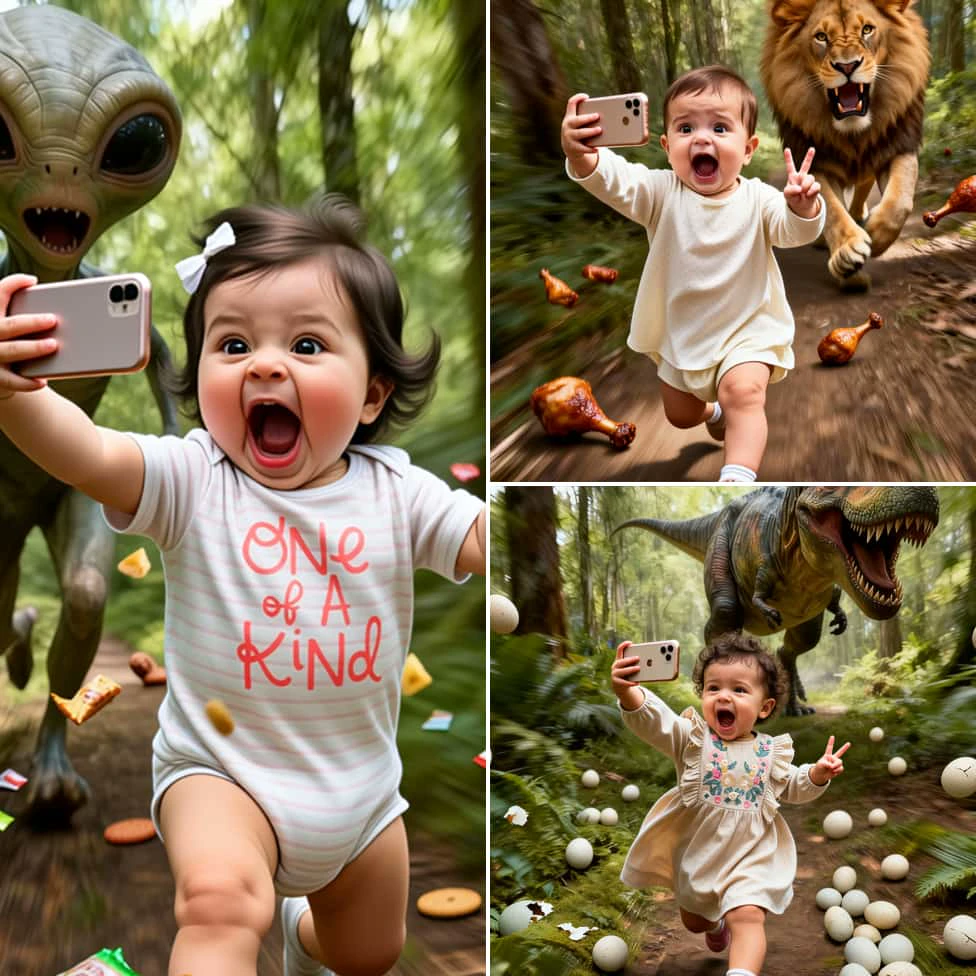
The trend is simple but effective: take a photo of yourself looking terrified or running, and use ia to insert a wild predator chasing you. The contrast between a regular street or park and a roaring lion creates an absurd, funny, and highly shareable image. This is a massive part of the Viral Photo Trends 2025.
Why is it going viral?
- Shock Value: It grabs attention instantly.
- Relatability: It’s a fun way to laugh at yourself.
- Creativity: From aliens to dinosaurs, the possibilities are endless with the Best AI Photo Effects Android.
How to Make Your Own Animal Chase Photo with Evoke
Evoke makes it incredibly easy to generate these images using advanced Google Gemini 2.5 Flash Image technology. Follow these simple steps:
1. Snap the Perfect "Runner" Selfie
The ia works magic, but your pose sells the story.
- Look Scared or Determined: Widen your eyes, open your mouth, or look back over your shoulder.
- Action Pose: Lean forward or act like you are mid-sprint to help the Make Me Run AI Photo logic.
- Lighting: Ensure your face is well-lit so the artificial intelligence preserves your features.
2. Use Evoke's AI Photo Feature
- Open Evoke on your Android.
- Go to the AI Photo (or AI Portrait) section.
- Upload your selfie.
- Select a style that fits the "Chase" theme. Look for keywords like "Action", "Adventure", or "Cinematic".
- Hit generate. In 3-5 seconds, Evoke will transport you into the scene.
3. Add the Beast (Templates & Filters)
If you are using Evoke's custom generation or filter options:
- For Realism: Choose the "Realistic" or "National Geographic" style.
- For Comedy: Try "Cartoon" or "3D Animation" styles.
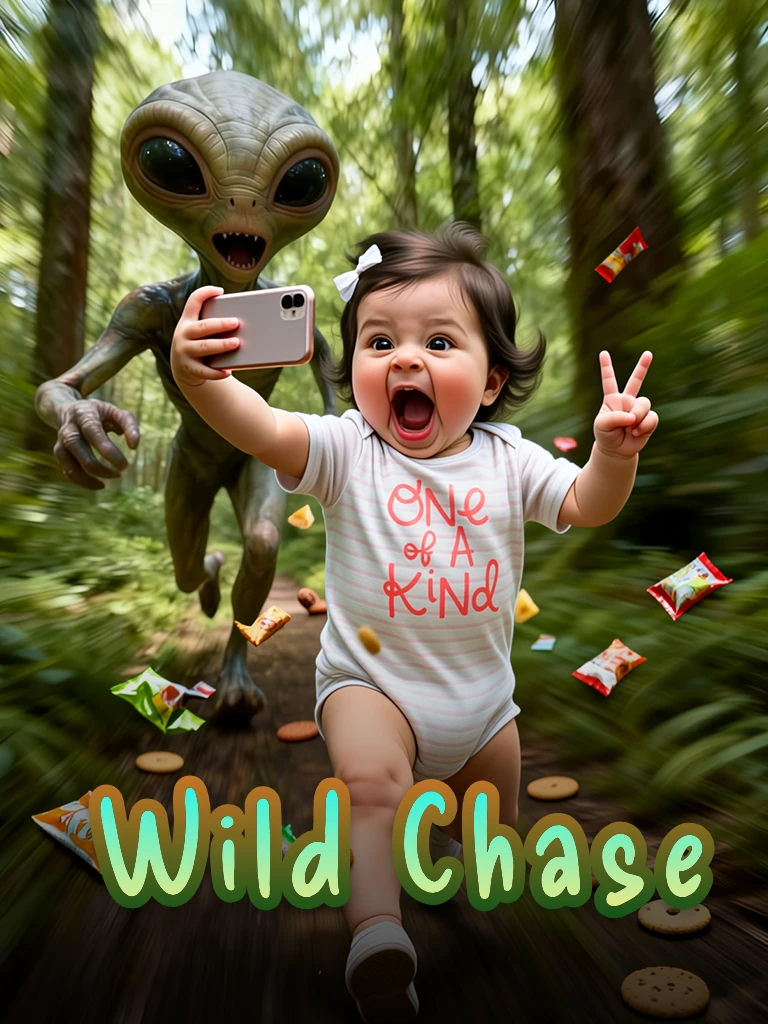
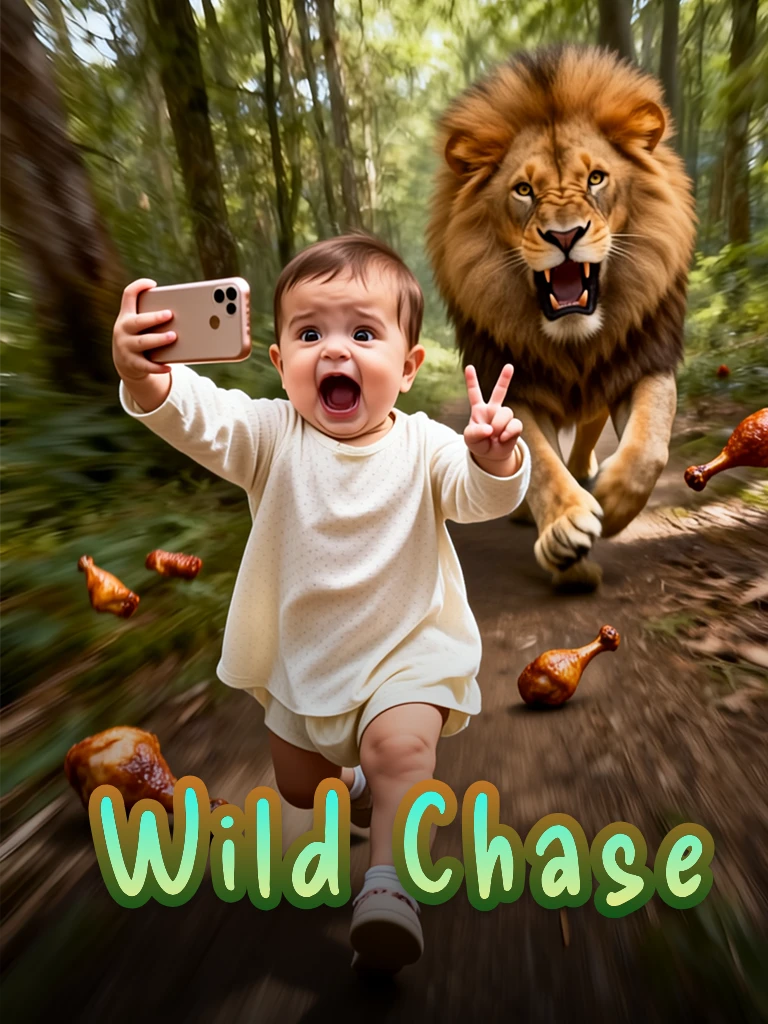
- Popular Animals: Cheetahs (for speed), Bears (for forest vibes), and Lions (the classic choice). It's the Funny AI Photo Editor of choice.
Take It to the Next Level: Animate It
Want to get more views on TikTok/Reels? Turn your static chase photo into a video using the Evoke AI Photo Animator.
Use Evoke’s Animate (Live Photo) feature to add movement:
- Make the lion breathe or roar.
- Add a "camera shake" effect to simulate running.
- Make your character blink or look around.
- Export as MP4 and let the auto soundtrack bring the drama!
Tips for a Viral Post
- Caption It: "POV: I forgot to feed the cat" or "Morning jog went wrong."
- Use Hashtags: #AnimalChase #AIArt #EvokeAI #RunForYourLife #FunnyEdits.
- Keep it High Quality: Use Evoke's Enhance tool first if your original selfie is blurry to improve photo quality.
Frequently Asked Questions
How do I make the animal chase trend photo?expand_more
You can easily make one using the Evoke app. Upload a selfie where you look like you are running, choose an AI Animal Filter App style, and let the app generate the scene with a wild animal.
Is Evoke a free Funny AI Photo Editor?expand_more
Yes. You can use free templates and features, making it a great free option. Subscriptions include a free trial and recurring credits for the Animate Animal Chase Video features.
Can I make it look like a cartoon?expand_more
Absolutely! Evoke supports multiple art styles. Select a "Cartoon" or "Anime" filter to create a funny, animated version of your chase scene using the Dinosaur Chase AI Template.
How long does it take to generate?expand_more
It's super fast. Photos take about 3-5 seconds, and AI Videos take about 30-40 seconds using Google Gemini 2.5 Flash Image power.
Does it work on Android?expand_more
Yes, Evoke is specialized for Android devices, providing high-speed artificial intelligence generation right on your phone.
AI Photo Enhancer Team
AI technology experts passionate about bringing cutting-edge solutions to users worldwide.

